 info@macroagilityinc.com
 416-900-7804
In many law firms and corporate legal departments, critical document operations are intentionally locked down for safety:
❌ Delete permissions restricted to protect sensitive data
❌ Admin-level tasks create bottlenecks for business users
❌ Power users wait while simple cleanup tasks pile up
But what happens when trusted users actually need that control?
✅ Litigation Support teams need to delete matter folders
✅ Knowledge Management needs to reorganize workspaces
✅ Records teams need to bulk download for retention
✅ Practice Leads need to clean up closed matters
They shouldn’t have to wait on IT for every action.


The Solution: PowerDesk
PowerDesk is a next-generation iManage extension that gives selected users the ability to perform controlled admin-level tasks, without waiting on IT or compromising data governance.
Just Right-Click → PowerDesk → Done
PowerDesk transforms iManage into a true power console, purpose-built for modern legal teams that need agility without compromising compliance.
Why Firms Choose PowerDesk
✅ Granular Access Control Empower only specific users to perform actions like delete or bulk cleanup. Not everyone needs admin rights, just your trusted power users.
✅ Zero IT Intervention Needed Built directly into the iManage right-click menu. No separate portals, no help desk tickets, no waiting.
✅ Fast, Safe, and Fully Audited Every action is tracked, logged, and permission-aware. Complete compliance without sacrificing speed.
✅ High-Speed Execution Multi-threading ensures large data sets process rapidly (up to 32 parallel threads)

What PowerDesk Enables
For Litigation Support Teams
✅ Instantly delete folder content, even full matter folders, in a single action
✅ Bulk download large content sets for discovery productions
✅ Reorganize matter structures without IT intervention
For Knowledge Management
✅ Quickly rename or move hundreds of documents at once
✅ Standardize folder structures across practice groups
✅ Clean up duplicate or obsolete content efficiently
For Records Teams
✅ Bulk download for retention compliance audits
✅ Delete documents per retention schedules safely
✅ Maintain complete audit trail for regulatory review
For Practice Leads
✅ Clean up closed matters without technical expertise
✅ Reorganize workspace hierarchies as needed
✅ Maintain clean, organized client workspaces

PowerDesk Benefits
Increased Operational Speed: PowerDesk completes large scale rename, delete, move, and download operations in minutes rather than hours or days.
Reduced IT BottleNecks: Power users handle their own cleanup and restructuring tasks without waiting for administrators.
Higher Workspace Quality: Teams maintain cleaner matters, standardized folder structures, and consistent naming conventions.
Full Compliance Audibility: Every action is logged with user, timestamp, action type, and outcome, ensuring complete traceability for audits.
Strong Data Governance: PowerDesk respects all iManage security models and permission inheritance, preventing unauthorized actions.
Lower Risk During Cleanup: Controlled permissions ensure only authorized users can delete or modify sensitive content.
Seamless User Adoption: The tool lives inside the native iManage right click menu, eliminating the need for new interfaces or training.
Reliable Processing for Large Jobs: Background execution and multi threaded processing prevent timeouts and improve stability.
Better Support for eDiscovery and Retention: Fast bulk downloads and structured cleanup help firms meet discovery and compliance deadlines easily.
Improved Productivity for Power Users: Litigation Support, KM, Records, and Practice Leads complete complex operations with a simple right click.


PowerDesk Features
Native Right Click Integration: PowerDesk appears directly in the iManage Work context menu and requires no separate application.
Granular Access Control: Administrators assign specific capabilities to approved power users.
Multi Threaded Processing: Adjustable thread counts up to 32 for high speed parallel operations.
Bulk Document Rename: Rename hundreds or thousands of documents across workspaces with one action.
Bulk Document Download: Instantly download selected or bulk documents for eDiscovery or audit needs.
Secure Document Deletion: Delete obsolete or unwanted documents with permission aware safeguards.
Folder Rename, Move, Delete: Rename folders to enforce naming standards, reorganize workspace hierarchies by moving them as needed, and remove redundant folders to keep workspaces clean and efficient.
Folder Thread Configuration: Set parallel processing levels for large folder operations.
Workspace Folder Creation: Create new folders under existing workspaces using standardized taxonomy patterns.
Complete Audit Trail: Track every action with user identity, timestamp, action type, results, and error details.
Permission Inheritance Enforcement: PowerDesk follows iManage security models to prevent unauthorized actions.
Background Processing: Large jobs run in the background to avoid browser timeouts.
Get the PowerDesk Tool
If you have any questions about PowerDesk, or any other MacroAgility iManage partner product, or you would like to know more about how our products can increase the productivity of your firm, please contact one of our consultants.
Trusted By Many Professionals
Over 1 million professionals worldwide depend on the iManage Document Management System every day to efficiently process their legal documents and emails, and collaborate more fluidly. MacroAgility Systems has been a trusted advisor for many of these firms who have learned a new definition of efficiency using iManage DMS platform.











Awards and Certifications

System Engineer
iManage Certified System
Engineer
Upgrade
iManage Work 10.X
upgrade Certificate
Application
iManage Application
Essential Certification
Administration
iManage Hosted work
fundamentals and admin
certification
Technology
iManage Technology
Certification
Threat Manager and Security
Threat Manager and Security Policy
Manager Certification
Getting Started: With Three Simple Steps
Step 1: Schedule a Demo: See PowerDesk in action with your own iManage Work environment (30 minutes).
Step 2: Identify Power Users: Determine which teams need admin-level capabilities (Litigation Support, Records, KM, etc.).
Step 3: Enterprise Rollout: Expand to all authorized power users with confidence. Most organizations go live in under 3 weeks.
Our Products
Firms using these broadly versatile products find them to be endlessly relevant to their daily operational needs. Each represents an extremely cost-effective means for firms of all sizes to explore full optimisation of this powerful document management system software.
Work for Gmail
MacroAgility Export Manager
MacroAgility Lotus2Outlook
MacroAgility Workspace Generator
Speak to one of our consultants today to discover how one or more MacroAgility custom-designed iManage integration products can enhance workflow and productivity at your law firm, corporate legal firm, or financial firm.
Recent Articles and Blogs
Stay up to date and informed about the latest technology in the industry with our latest Articles and Blogs.
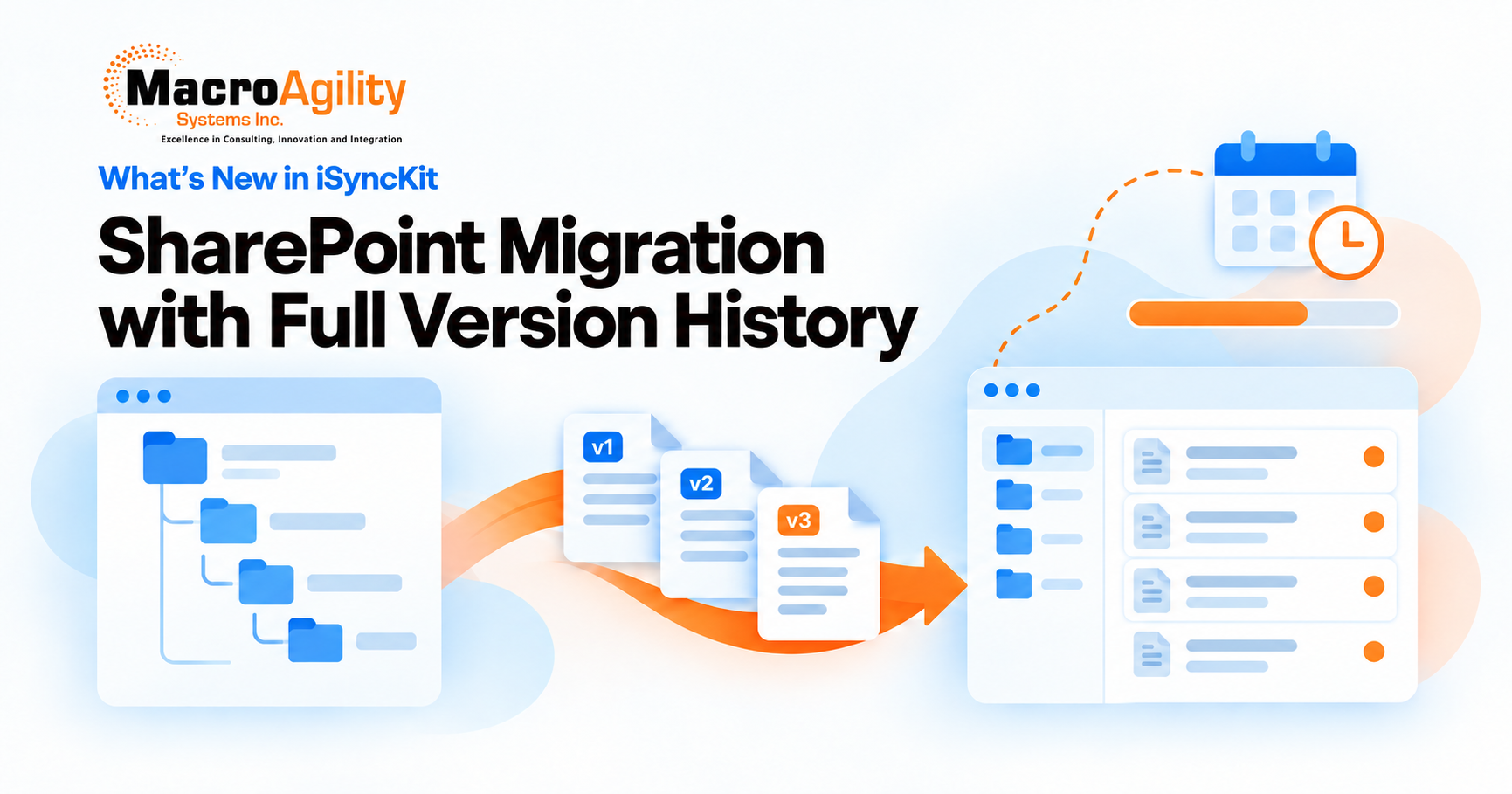
Complete SharePoint Version Migration, Automated Reporting and More: What’s New in iSyncKit

How iManage Integrates with Legal Project Management Tools
iManage Collaboration Links: Secure External Document Sharing
iManage Trash: How to Recover or Permanently Delete Documents
How to Version Up a Document in iManage Work

iReports: iManage Cloud Backup and Business Continuity

iManage Cloud vs. On-Premises: Which Should You Choose?
How MacroAgility Helped Hull & Hull Modernize their DMS with iManage Cloud


 Phone
Phone Email
Email